Frequently Asked Questions
On this page, you will find answers to the most common use cases, as well as information to help you implement more specific scenarios.
I want to retrieve the cover letter in PDF format from my candidates. How can I do this?
The Flatchr API does not allow you to submit a file in addition to the CV (e.g.: cover letter) when creating a candidate. However, we can offer you 2 workaround solutions.
Solution 1: Use the question system to retrieve a cover letter file.
To do this, you need to perform the following actions:
- Create a question requiring the entry of a cover letter
- Retrieve the ID of the created question. You will find it in the vacancy object
- Add the ID of this question in the payload of the candidate creation request:
var formdata = new FormData();

formdata.append("firstname", "Teresa");
formdata.append("lastname", "Breitenberg");
formdata.append("answers[QUESTION_ID]", "https://file-url/file.pdf");
formdata.append("vacancy", "SLUG_VACANCY");

var requestOptions = {
  method: 'POST',
  body: formdata,
  redirect: 'follow'
};

fetch("https://careers.flatchr.io/vacancy/candidate/custom", requestOptions)
  .then(response => response.text())
  .then(result => console.log(result))
  .catch(error => console.log('error', error));
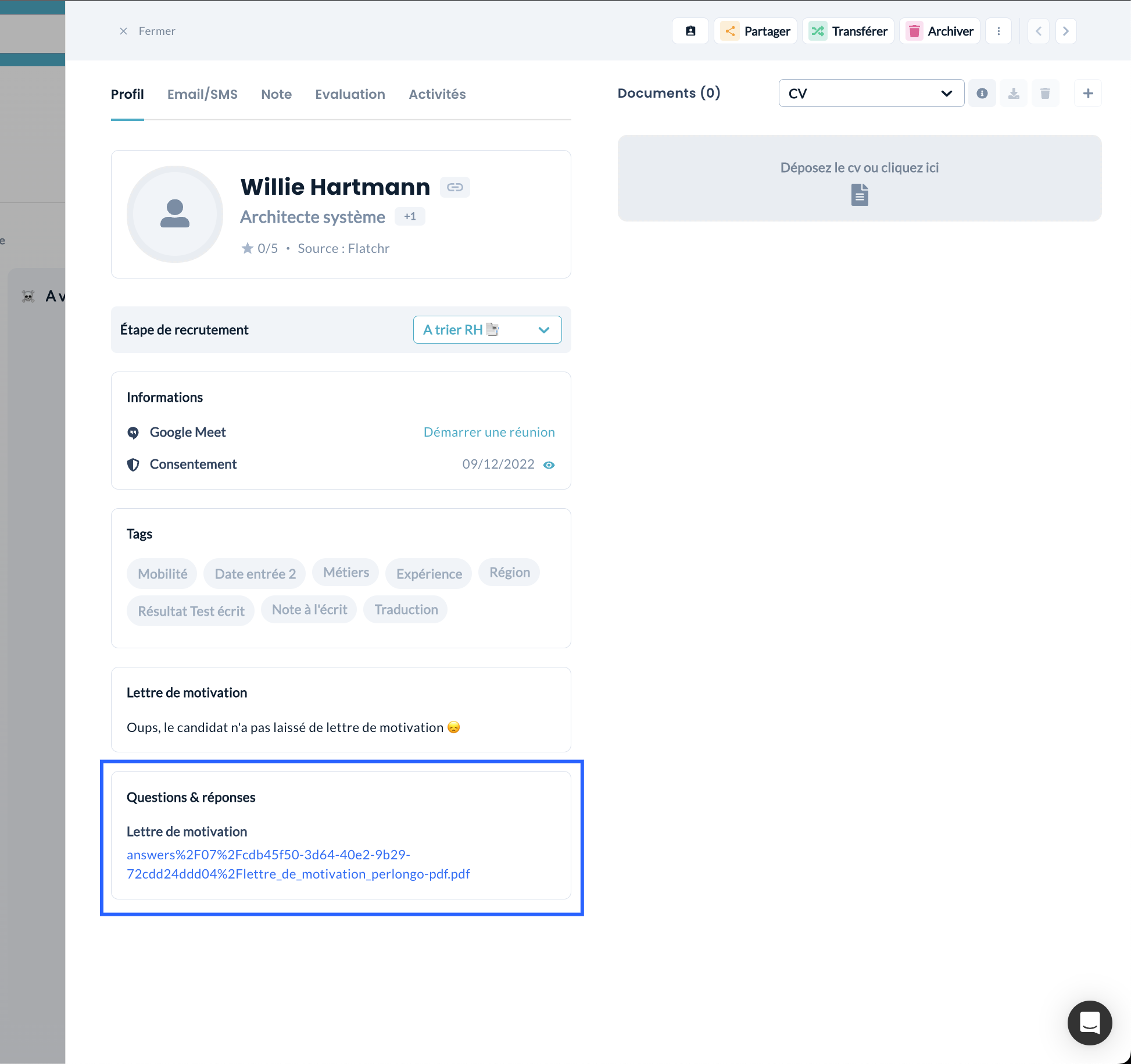
Using this solution, the cover letter will be displayed in the following way on the candidate profile:
Solution 2: Use the "comment" field to retrieve a cover letter in text format.
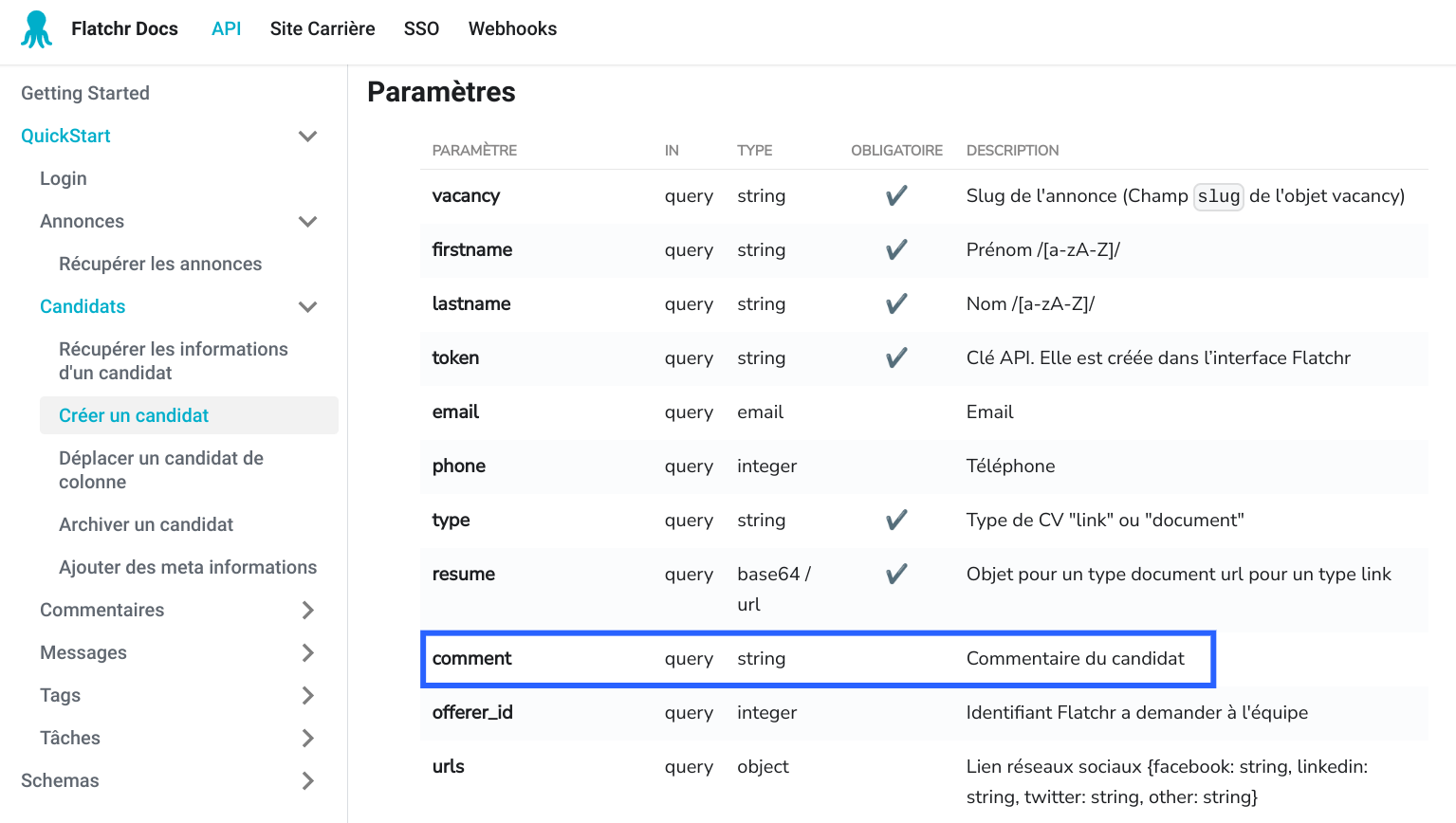
To do this, simply add the "comment" field in the candidate creation payload.
var formdata = new FormData();

formdata.append("firstname", "Teresa");
formdata.append("lastname", "Breitenberg");
formdata.append("vacancy", "SLUG_VACANCY");
formdata.append("comment", "Candidate cover letter");

var requestOptions = {
  method: 'POST',
  body: formdata,
  redirect: 'follow'
};

fetch("https://careers.flatchr.io/vacancy/candidate/custom", requestOptions)
  .then(response => response.text())
  .then(result => console.log(result))
  .catch(error => console.log('error', error));
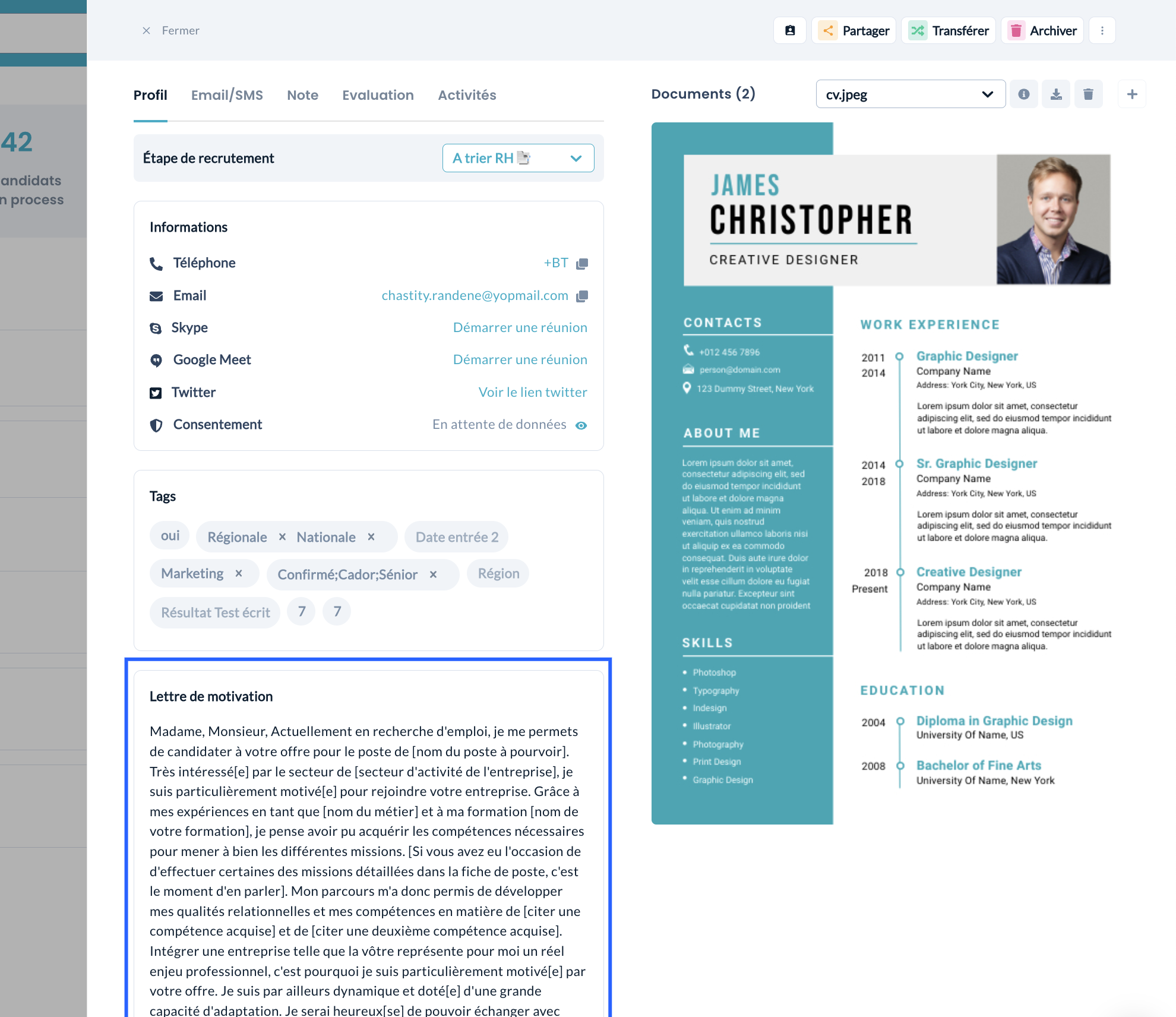
Using this solution, the cover letter will be displayed in the following way on the candidate profile: